Home >Online Product Documentation >Table of Contents >Where Converter URIs are Displayed in Stylus Studio
Where Converter URIs are Displayed in Stylus Studio
Converter URIs are displayed in the following places in Stylus Studio:
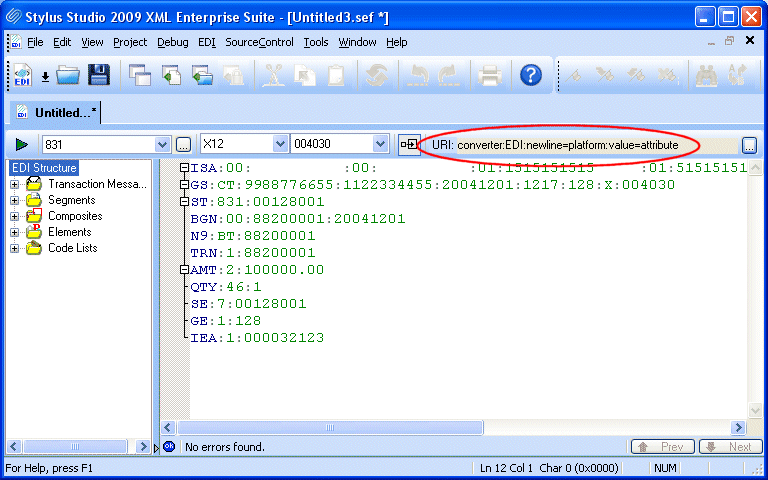
You use the EDI to XML editor to create conversion files that you can save and reuse. See Chapter 4 Converting EDI to XML for more information.
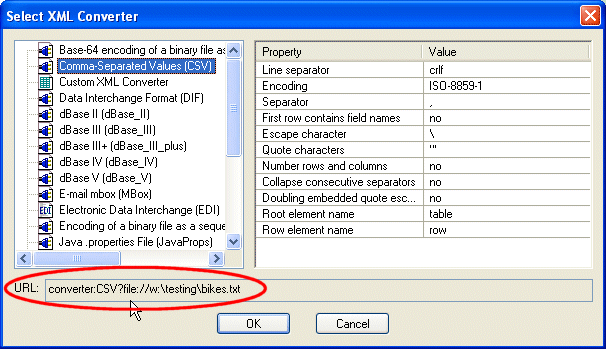
Note that XML Converters name and properties used in the converter:URI vary from the full names displayed in the Select XML Converter dialog box. In addition, note that only properties whose default value you change in the Value field are displayed in the URL field.
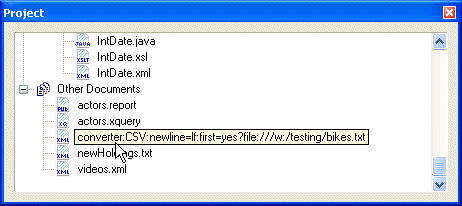
You can use any of these sources for the converter:URI strings you want to use in your XQuery and XSLT code. See Using Stylus Studio to Build a Converter URI for more information.