Home >Online Product Documentation >Table of Contents >Edge Style
Edge Style
You can choose from one of three edge styles for the pipes that connect one node to another:
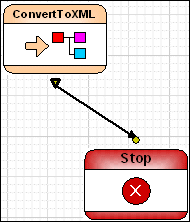
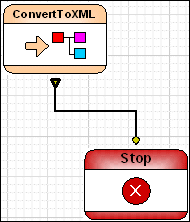
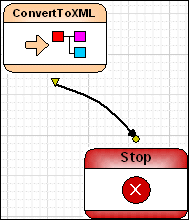
When you change the style, either from the XMLPipeline menu or the toolbar, you change the style
To change the edge style:
1. Select the pipe, or the node whose pipes, you want to change.
2. Select XML Pipeline > Edges Style from the menu.
Alternative: Right-click and select XML Pipeline > Edges Style from the shortcut menu.
3. Select the edge style you want from the drop-down menu.