Home >Online Product Documentation >Table of Contents >Defining Data Elements in a Sample DTD
Defining Data Elements in a Sample DTD
This topic is part of a sequence that starts with Creating a Sample DTD.
In your DTD, suppose you want a book element to be optional. Further, if a book element is present, it must always have exactly one title element and it can have any number of author elements. The title and author elements contain only raw data.
To accomplish this, perform the following steps:
 , which is the top button in the tool bar on the left side of the DTD editor window.
Stylus Studio displays an entry field for the element name.
title and press Enter.
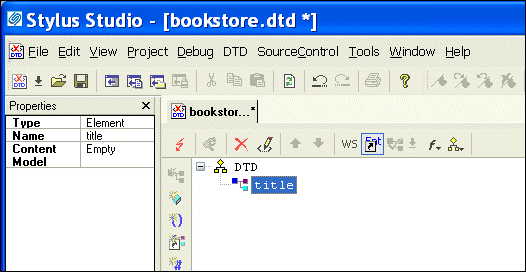
Stylus Studio displays the new element, title, and the element's properties in the Properties window.
 .
.
Stylus Studio displays an entry field for the element's modifier.
The new modifier is added to the element.
 .
.
author element, repeat step 2 through step 7. In step 4, type author instead of title.
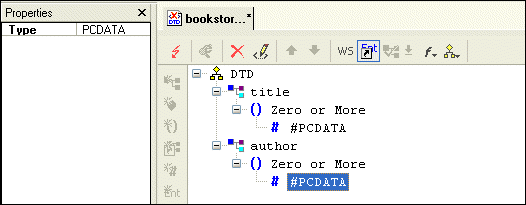
When you are done, the Stylus Studio desktop should resemble the following: