Home >Online Product Documentation >Table of Contents >Viewing the FO Sample Application
Viewing the FO Sample Application
To view the FO sample application included with Stylus Studio:
examples\XSLFormattingObjects\minimal-catalog.xsl file in your Stylus Studio installation directory.
Alternative: If the Stylus Studio examples project is open, you can access this file from the Project window. To open the examples project, open examples.prj in the Stylus Studio examples directory.
The video scenario has already been defined. In the Post-process tab of the Scenario Properties dialog box, Postprocess with Apache FOP is selected.
In this scenario, Stylus Studio selects elements to operate on from three different documents. These documents are in the examples directory of the Stylus Studio installation directory. They are also in the examples project. The documents are:
 . As you can see, the Output Window shows some post-processing information messages.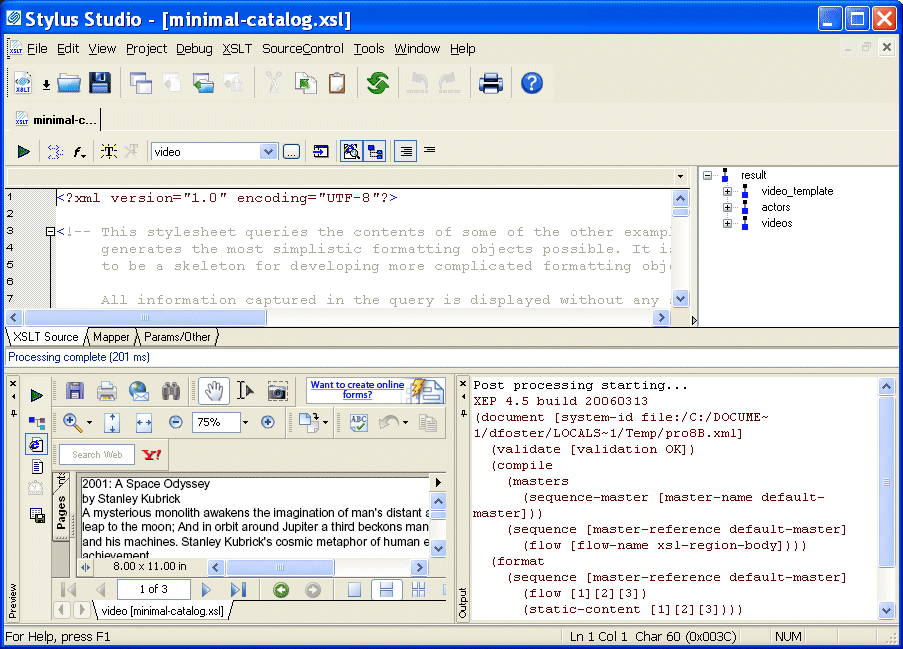
After a few seconds, the Preview window displays the PDF result in Acrobat Reader. The result contains a few lines of text for each video and book found in the XML source documents. The title, author or director, and the description is included for each item. It is hard to see where information for one item ends and another begins.
examples\XSLFormattingObjects\catalog.xsl stylesheet.
. 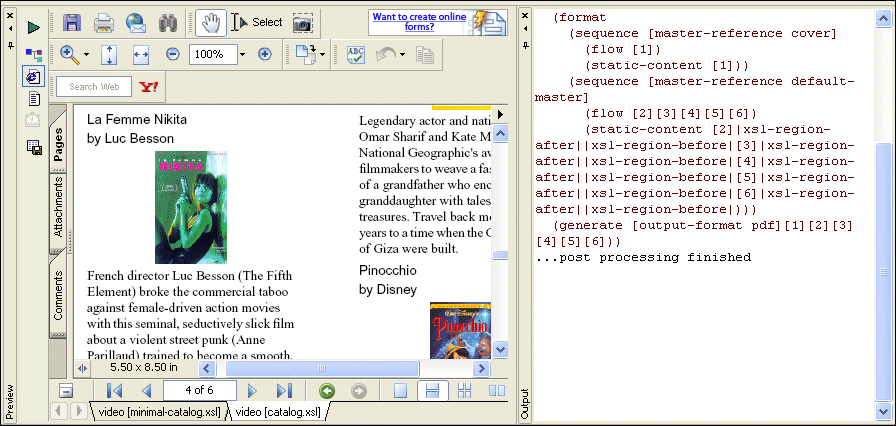
This time the PDF result in the Preview window is nicely formatted. The catalog.xsl stylesheet adds some basic formatting, as well as images, to the minimal-catalog.xsl stylesheet. Now it is easy to distinguish the title, author or director, and description for each video or book.