Home >Online Product Documentation >Table of Contents >Set Classpath
Set Classpath
You use the Set Classpath dialog box to specify a classpath for various Stylus Studio modules. Examples include the classpath for:
i
Note
|
| The title of this dialog box varies based on the context in which it appears. The functionality, however, is the same. |
Fields
Locations
Classpath entries added using the browse folders ( ) button.
Adding a Classpath Entry
To add a classpath entry:
) button above the Locations field.
A new entry field appears in the Location list box. Two buttons appear to the right of the entry field.
 ).
).
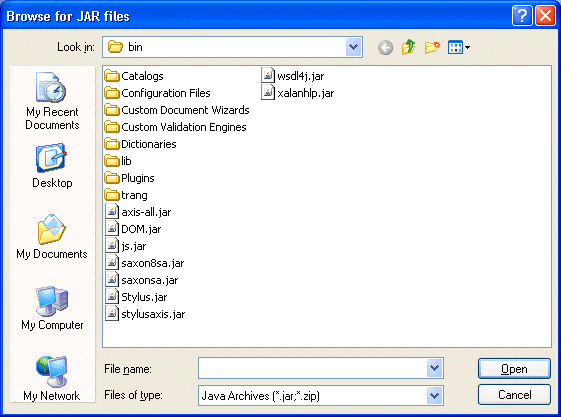
Stylus Studio displays the Browse for JAR Files dialog box.
To search for folders, click the browser folders button ( ).
).
Stylus Studio displays the Browse for Files dialog box.
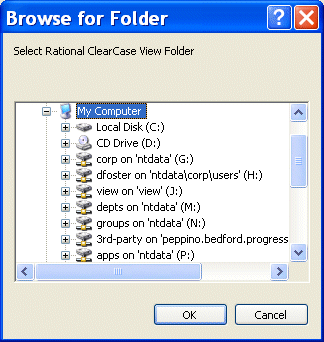
The file or folder is added to the end of the list. Stylus Studio searches the classpaths in the order they appear in the Locations list box.
For More Information
Creating a Database Connection