Home >Online Product Documentation >Table of Contents >Getting Started: Creating a New XML Pipeline
Getting Started: Creating a New XML Pipeline
This section describes how to create a new XML pipeline document and some of the default behaviors for new XML pipelines.
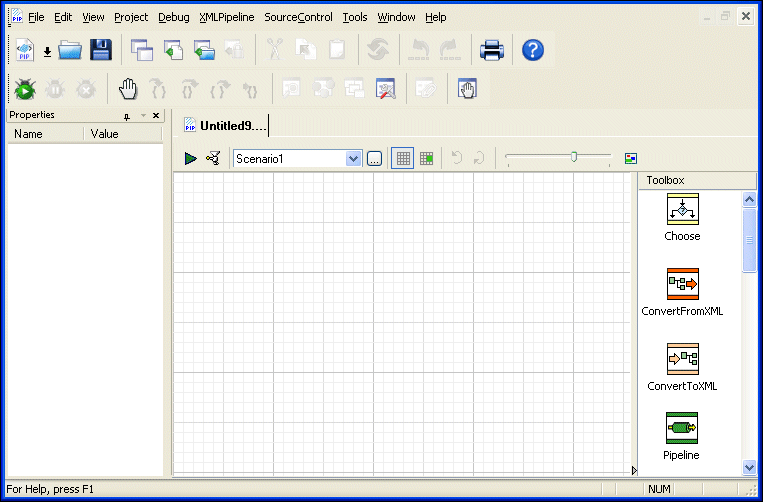
To create an XML pipeline, select File > New > XML Pipeline from the Stylus Studio menu.
When you create an XML pipeline, Stylus Studio displays a new .pipeline document in the XML Pipeline Editor. The document has a name of untitledn.pipeline, where n is a unique number.
Save the XML Pipeline
Click the Save button ( ) and save the new XML pipeline (as
 myOrders.pipeline, for example).