Home >Online Product Documentation >Table of Contents >Generate the Code
Generate the Code
Once the report is finished, we can generate XSLT or XQuery code to produce a report.
31. Click the Generate button on the toolbar.
Stylus Studio displays the Generate Transformation dialog box.
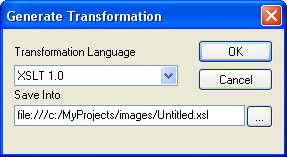
We want to use XSLT to generate our report, so we do not need to change the values for Document Type or Transformation Language.
32. The default name for the
.xsl file is based on the .report file name. We change Untitled1.xsl to myMovieRatings.xsl and click OK.
Stylus Studio opens the generated XSLT in the XSLT Editor, as shown in Figure 534.
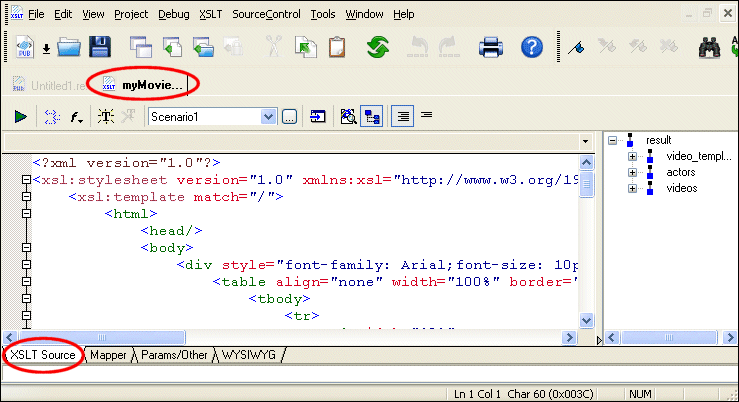
33. If we preview the XSLT, we see the same results as when we previewed the report in XML Publisher.