Home >Online Product Documentation >Table of Contents >Verifying the Current Java Virtual Machine
Verifying the Current Java Virtual Machine
The Java Virtual Machine (JVM) interprets runtime commands and compiler instructions; it is part of the Java installation. You can check to see the current version of the JVM installation by selecting Help > About from the Stylus Studio menu:
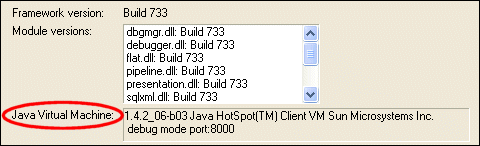
The Java Virtual Machine field displays information about the JVM installed on your machine.