Home >Online Product Documentation >Table of Contents >Ifs
Ifs
An if is a component that represents a condition (if... then... else...). You can use if components to control report content. You can insert if components within other components (within a table cell, for example).
Creating an If
The easiest way to create an if component in XML Publisher is to select Report > Insert > If from the Stylus Studio menu, or select Insert If from the canvas short-cut menu.
The if component's context is established automatically only if you insert within another component - such as a table or list - whose context is already set. The if component does not inherit its context from the body component.
Graphical Representation
In the XML Publisher canvas, an if component is represented as two tabs, true and false, within a bounding box drawn with a dashed line. Figure 506 shows an empty if component.

Example
We need to create a report that contains a simple table that lists the title and rating for all movies in the videos.xml document. In addition, if the movie carries an `R' rating, we want to display the R-rated symbol ( ) for emphasis. A sample of the report is
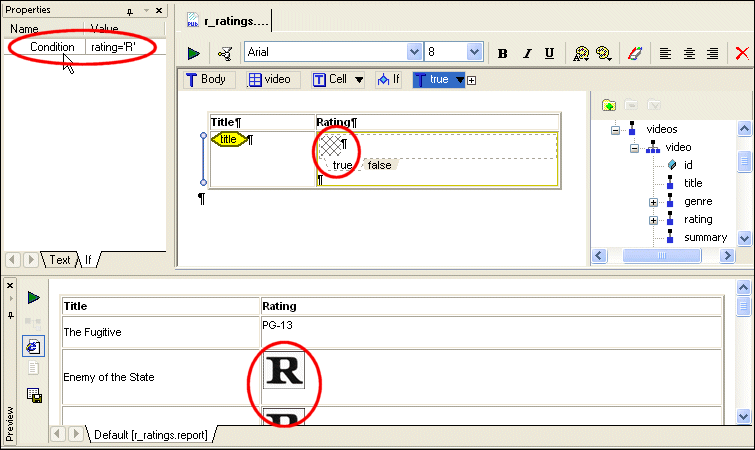
To create this report in XML Publisher, we would:
video repeating element and dropping it on the canvas. This establishes the context for the cells in the table.
title element in the table's first cell (as a value).
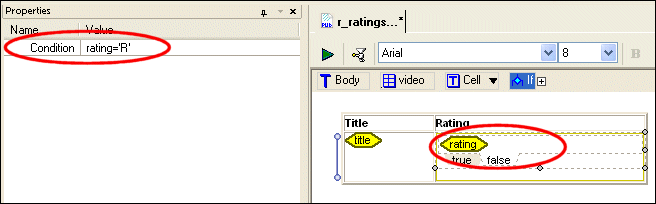
rating='R'.
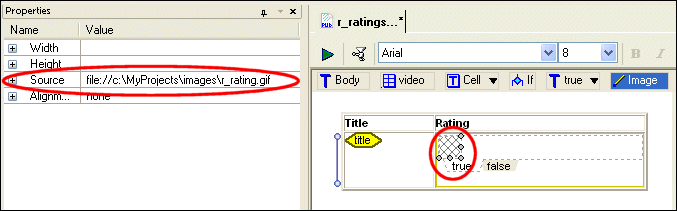
c:\MyProjects\images\r_rating.gif, for example).
rating node from the data sources panel and insert it as a value.